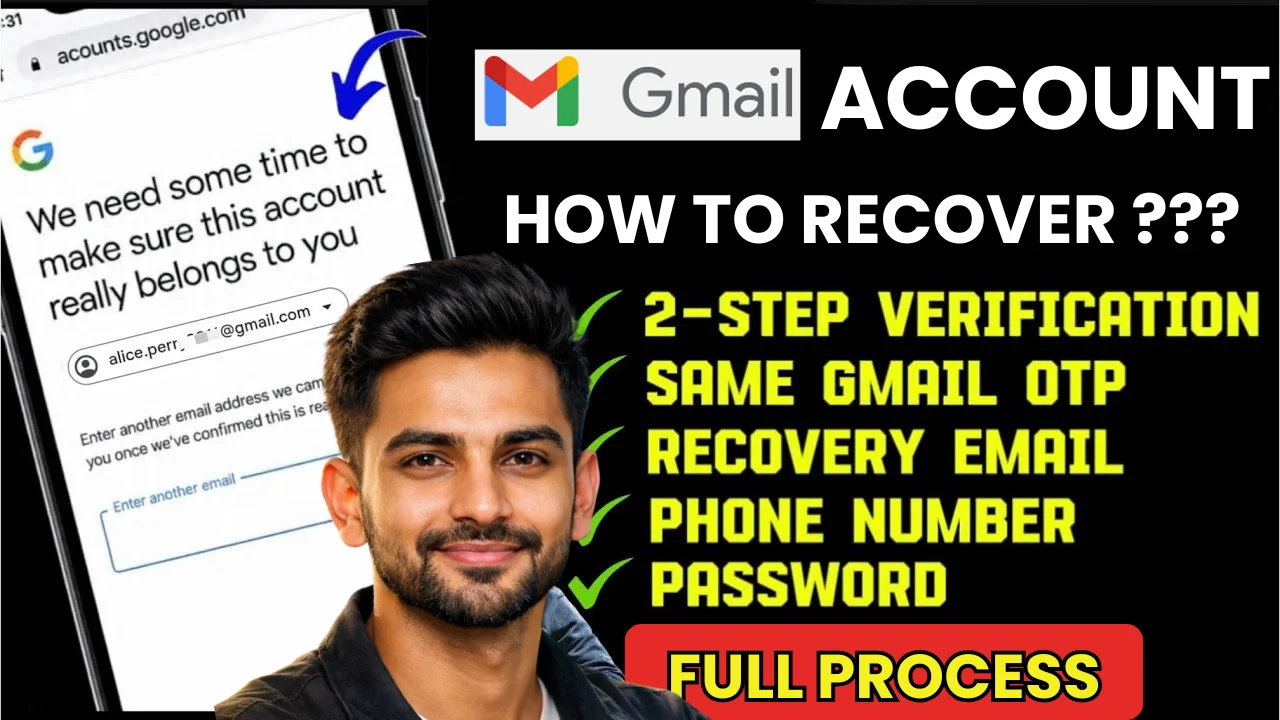
How to Recover Your Gmail Account : Have you forgotten your Gmail password or lost access to your email? Don’t worry! Recovering your Gmail account is easier than you think. In this guide, I’ll show you step-by-step how to recover your Gmail account, even if you no longer have access to your recovery phone number or email.
Let’s get started!
Why You Might Need to Recover Your Gmail Account
There are several reasons why you may lose access to your Gmail account:
- You forgot your password
- You changed or lost your phone number
- You can’t access your recovery email
- Your account got hacked
- You haven’t used your Gmail for a long time
No matter what happened, Google has tools to help you recover your account.
Step-by-Step: How to Recover Your Gmail Account
Step 1: Go to Gmail Login Page
Visit https://accounts.google.com/signin
Enter your Gmail ID and click “Next”.
Step 2: Click on “Forgot password?”
Below the password box, you will see a link – “Forgot password?” – click on it.
Step 3: Choose a Recovery Option
Now Google will ask you to verify your identity using one of these:
- A code sent to your recovery phone number
- A code sent to your recovery email
- Answering a security question
- Entering the last password you remember
If one method doesn’t work, click on “Try another way”.
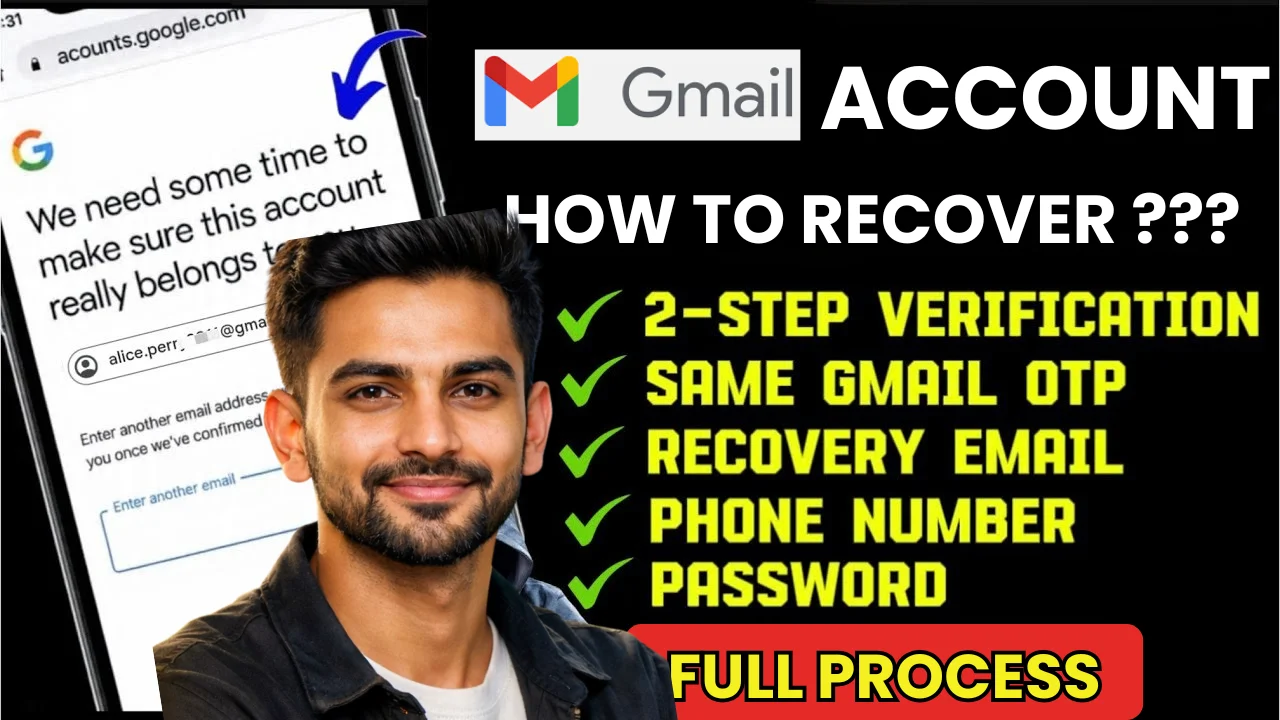
What If You Don’t Have Access to Recovery Options?
If your phone number or recovery email is no longer active, here’s what to do:
- Click “Try another way” again and again
- Eventually, Google may ask you to enter a new email where they can contact you
- Enter your new email and submit the form
- Google may take 1–3 days to verify and email you a recovery link
Important Tip: Try to answer all questions honestly and accurately. Even if you’re unsure, take your best guess.
How to Recover a Hacked Gmail Account
If you think your Gmail has been hacked:
- Go to https://accounts.google.com/signin/recovery
- Follow the recovery steps
- Once you’re back in, change your password immediately
- Go to Google Account Settings > Security and remove unknown devices
- Enable 2-Step Verification
This helps keep your Gmail account safe in the future.
Secure Your Gmail Account After Recovery
Once you recover your account, do these things:
- Change your password to something strong
- Add an updated recovery email and phone number
- Turn on 2-Step Verification
- Review your account activity to remove unknown logins
You can manage all of this at https://myaccount.google.com/
Quick Recap
| Step | What to Do |
|---|---|
| Step 1 | Go to Gmail login & click “Forgot password” |
| Step 2 | Try to recover using email, phone, or security questions |
| Step 3 | If those fail, request help through a backup email |
| Step 4 | Wait for Google’s response |
| Step 5 | Once recovered, secure your account immediately |
Last Word
Losing access to your Gmail account can be scary, but recovery is possible if you follow the right steps. Be patient, follow each step honestly, and make sure to secure your account afterward.